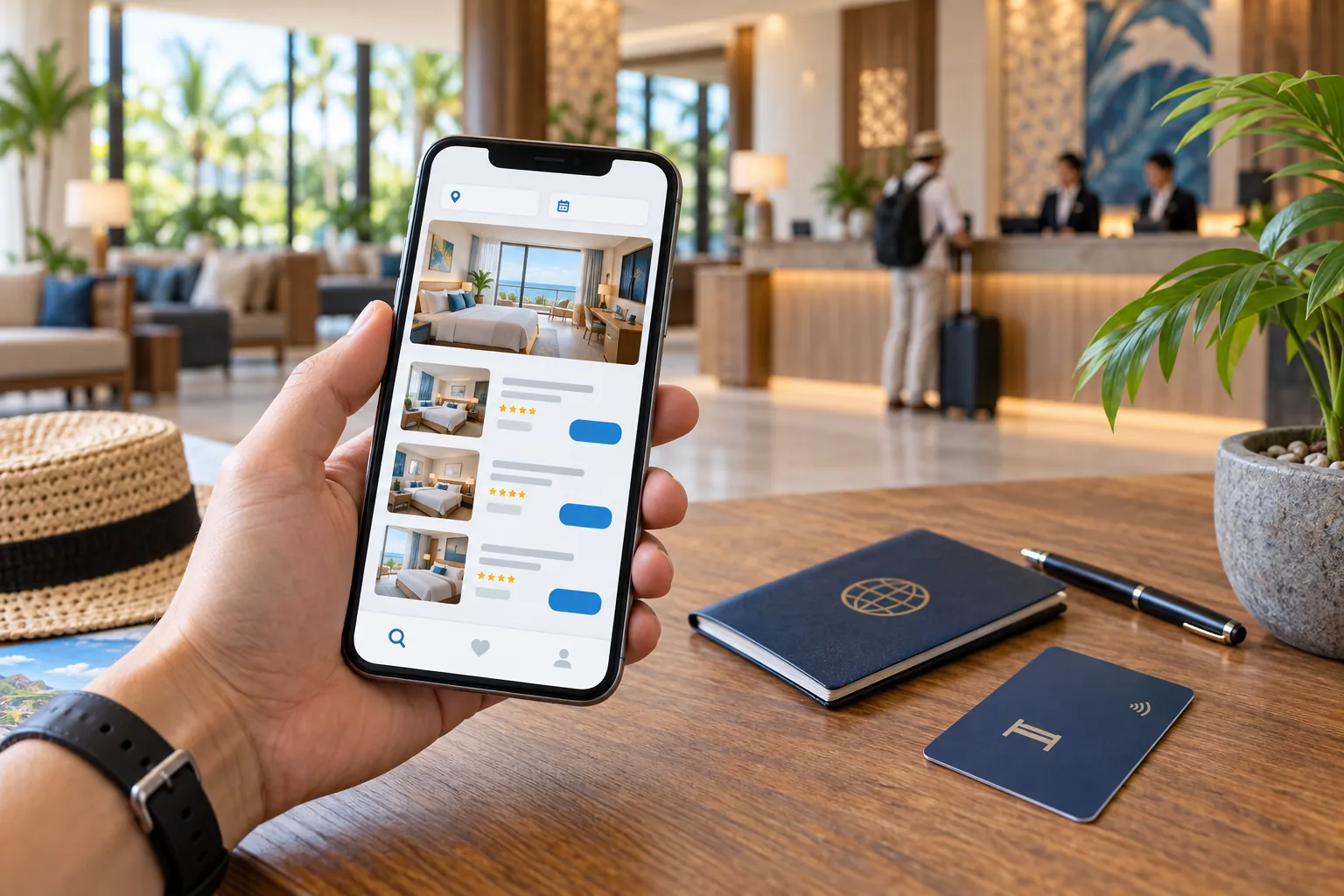
- Seven booking steps
- Compare total prices and policies
- Pay at Hotel explained
- Voucher and check-in help
Before you start
Decide the destination, check-in and check-out dates, number of guests, number of rooms, and the facilities you actually need. Having these details ready prevents misleading comparisons between rooms with different capacities or conditions.
You can book through the Traveloka website or app. An account makes it easier to retrieve the booking later, but always use an email address and phone number you can access during the trip.
1. Search for the destination and dates
From the Traveloka homepage, choose Hotels, then enter a city, area, landmark, or property name. Select the check-in date, duration or check-out date, guest count, and number of rooms before starting the search.
Use the correct ages for children where requested because occupancy and breakfast policies can depend on age. Check that the number of nights is correct, especially for a stay that crosses a month or year boundary.
2. Filter the results without hiding the best option
Filters can narrow the results by price range, property type, guest rating, star rating, facilities, neighbourhood, or payment option. Begin with essential requirements, then add preferences so a long filter list does not remove suitable properties.
Sorting by the lowest displayed price is only a starting point. Where a total-price display is available, use it to make the first comparison, then still review the checkout total. Compare room capacity, taxes and fees, breakfast, cancellation terms, bed type, and payment timing before deciding which result is genuinely cheaper.
3. Review the property and the exact room
Open the property page and check its map location, recent guest reviews, check-in hours, facilities, and room options. Pay particular attention to recurring comments about cleanliness, noise, Wi-Fi, water, access, and staff response.
Room names that look similar can carry different terms. Confirm the bed configuration, guest capacity, bathroom, breakfast, view, smoking policy, cancellation deadline, and whether the rate is refundable before tapping Select.
4. Enter contact and guest details carefully
Enter the booker's reachable contact details, then provide the staying guest's name exactly as requested. If you are booking for someone else, use the relevant guest option and confirm whose identification will be shown at check-in.
Review spelling, phone number, email, dates, room count, and guest count before continuing. A typo in the contact email can delay access to the voucher, while an incorrect guest name may require support before arrival.
5. Add special requests without treating them as guarantees
Traveloka currently allows eligible special requests to be submitted while completing a hotel booking. The Help Center also describes an Add Special Request option in My Booking after the voucher has been issued. Available choices depend on the property and booking.
A request for a particular bed, connecting room, high floor, early arrival, late check-in, cot, or non-smoking room is not confirmed merely because it was submitted. Wait for the property's response and contact the hotel directly when the request is essential. Traveloka advises contacting the hotel for breakfast additions after voucher issuance.
- Keep requests short and specific.
- Submit late-arrival information before travelling.
- Ask the property to confirm essential accessibility needs.
- Save written confirmation with the voucher.
6. Review the final price and choose payment
Traveloka's official booking guide instructs users to review the booking details before continuing to payment. Check the property, dates, room, guests, included items, cancellation conditions, currency, and final amount one more time.
Available payment methods depend on the market, booking, and account. Traveloka's current guidance for rupiah transactions lists options that can include bank transfer, supported cards, internet banking, minimarket payment, and selected e-wallets. Use only the method shown in the official checkout and never transfer to a personal account offered outside the platform.
Complete payment within the displayed time limit. Do not repeat a transaction while the first payment is still processing; instead, check the booking status or contact official support if confirmation is delayed.
7. Save the voucher and confirm the booking
Traveloka's official booking guide says the hotel voucher is sent to the booking email within 60 minutes after payment is confirmed. In the app, log in and open My Booking to view the voucher; the receipt can also be sent to an email address. Save an offline copy so weak mobile data does not block access at reception.
Check the voucher immediately for the lead guest, property address, dates, room type, meal inclusion, payment status, check-in time and cancellation policy. Contact Traveloka through its official support channel if the voucher does not arrive or any detail is wrong.
- Save the booking ID and voucher offline.
- Check the hotel address and arrival instructions.
- Note the check-in time and identification requirements.
- Keep the payment receipt until after the stay.
How Pay at Hotel works
Pay at Hotel is available only for participating accommodation. Traveloka's Help Center says eligible results carry a ‘Pay at Hotel available’ label and can also be found with the relevant filter.
The option does not make every reservation freely cancellable. Some bookings may require a card or PayLater to guarantee the room, and cancellation or no-show conditions can still apply. Read the policy attached to the selected room before confirming.
Cancellation, refunds, and non-refundable rooms
Cancellation rights come from the policy attached to the exact booking. A free-cancellation room normally has a deadline, after which a fee can apply. Traveloka states that a non-refundable policy does not allow a standard refund or cancellation.
For an eligible Pay at Hotel booking, Traveloka's current instructions direct users to My Booking and Cancel Booking while the free-cancellation period is still active. If the option is unavailable or the situation is exceptional, use Traveloka's official customer-service channel and keep the booking ID ready.
Promos and packages: compare the final terms
Promo availability, coupon eligibility, member pricing, and payment offers can change. Apply an eligible offer at checkout, then verify that the final payable amount is actually lower and that the room conditions have not changed.
A flight-and-hotel package is not automatically cheaper than separate bookings. Compare the total price, baggage, room policy, cancellation rules, and what happens to the hotel if the flight changes before choosing a bundle.
A final check before arrival
A day or two before check-in, review the voucher, arrival time, guest name, identification requirements, and any deposit or local charge stated by the property. Contact the hotel when arriving late or making a special request, as requests are not always guaranteed.
At check-in, Traveloka says the voucher can be shown on a phone without printing it. If reception cannot find the reservation, ask staff to check the lead guest name and itinerary ID on the voucher. The Help Center says a Need Check-in Help option appears on the hotel voucher one day before check-in; official customer support is the fallback if the issue continues.
Frequently asked questions
How do I book a hotel on Traveloka?
Choose Hotels, enter the destination, dates, guests, and rooms, select a property and room, enter contact and guest details, review the booking, choose a payment method, and complete payment. Traveloka then issues the hotel voucher after verification.
Where can I find my Traveloka hotel voucher?
Traveloka sends the voucher to the booking email after payment confirmation. You can also sign in, open My Booking, and select the reservation. Save an offline copy before travelling.
How long does a Traveloka hotel voucher take to arrive?
Traveloka's official booking guide says the voucher is sent by email within 60 minutes after payment is confirmed. You can also sign in and check My Booking. Use official support if the confirmed booking still has no voucher.
Can I pay for a Traveloka hotel at check-in?
Only participating properties offer Pay at Hotel. Look for the label or filter and read the guarantee, cancellation, and no-show conditions for the selected room.
Can I cancel a Traveloka hotel booking?
It depends on the room policy and deadline. Free-cancellation bookings may be cancelled within their stated period, while Traveloka says non-refundable bookings do not allow a standard refund or cancellation.
Which payment methods does Traveloka accept?
Methods vary by booking and market. For rupiah transactions, Traveloka currently lists options that can include bank transfer, supported cards, internet banking, minimarket payment, and selected e-wallets. Use the options shown at checkout.
Are hotel special requests guaranteed on Traveloka?
No. Traveloka can pass eligible requests to the property, but fulfilment depends on the hotel. Obtain confirmation for essential bed, accessibility, connecting-room or late-arrival requirements.
Do I need to print my Traveloka hotel voucher?
Traveloka says you can show the voucher from your mobile phone at reception. Keep an offline copy and bring the identification required by the property.
Sources and further reading
We used the following primary consumer resources to review time-sensitive claims in this guide.
- Traveloka Help Center: how to book a hotel
- Traveloka: official hotel booking steps
- Traveloka Help Center: Pay at Hotel
- Traveloka Help Center: non-refundable hotel bookings
- Traveloka Help Center: payment methods for rupiah transactions
- Traveloka Help Center: hotel special requests
- Traveloka Help Center: hotel voucher and receipt
- Traveloka Help Center: hotel check-in with a mobile voucher
- Traveloka Help Center: reservation not found at reception
Compare options for your trip.
Continue to Traveloka to check current schedules, availability, and final prices for your travel dates.
Affiliate disclosure. This page contains Traveloka affiliate links. We may earn a commission when you book through them, at no additional cost to you. Commercial relationships do not determine our editorial recommendations.